# Interface with Home Connect appliances in Python
This is a very, very beta interface for Bosch-Siemens Home Connect
devices through their local network connection. Unlike most
IoT devices that have a reputation for very bad security, BSG seem to have
done a decent job of designing their system, especially since
they allow a no-cloud local control configuration. The protocols
seem sound, use well tested cryptographic libraries (TLS PSK with
modern ciphres) or well understood primitives (AES-CBC with HMAC),
and should prevent most any random attacker on your network from being able to
[take over your appliances to mine cryptocurrency](http://www.antipope.org/charlie/blog-static/2013/12/trust-me.html).
*WARNING: This tool not ready for prime time and is still beta!*
## Setup
To avoid running into issues later with your default python installs, it's recommended to use a py virtual env for doing this. Go to your desired test directory, and:
```bash
python3 -m venv venv
source venv/bin/activate
git clone https://github.com/hcpy2-0/hcpy
cd hcpy
pip3 install -r requirements.txt
```
Install the Python dependencies; the `sslpsk` one is a little weird
and we might need to revisit it later.
Alternatively an environment can be built with docker and/or docker-compose which has the necessary dependencies.
### For Mac Users
Installing `sslpsk` needs some extra steps:
1. The openssl package installed via brew: `brew install openssl`, and
1. Install `sslpsk` separately with flags: `LDFLAGS="-L$(brew --prefix openssl)/lib" CFLAGS="-I$(brew --prefix openssl)/include" pip3 install sslpsk`
1. Rest of the requirements should be fine with `pip3 install -r requirements.txt`
## Authenticate to the cloud servers
```bash
hc-login.py $USERNAME $PASSWORD config/devices.json
```
or
```bash
docker-compose -f compose.yaml build
docker-compose -f compose.yaml run -T app /app/hc-login.py $USERNAME $PASSWORD config/devices.json
```
The `hc-login.py ` script perfoms the OAuth process to login to your
Home Connect account with your usename and password. It
receives a bearer token that can then be used to retrieves
a list of all the connected devices, their authentication
and encryption keys, and XML files that describe all of the
features and options.
This only needs to be done once or when you add new devices;
the resulting configuration JSON file *should* be sufficient to
connect to the devices on your local network, assuming that
your mDNS or DNS server resolves the names correctly.
## Home Connect to MQTT
Use the following ./config/config.ini example:
```
devices_file = "./config/devices.json"
mqtt_host = "localhost"
mqtt_username = "mqtt"
mqtt_password = "password"
mqtt_port = 1883
mqtt_prefix = "homeconnect/"
mqtt_ssl = False
mqtt_cafile = None
mqtt_certfile = None
mqtt_keyfile = None
mqtt_clientname="hcpy"
ha_discovery = True # See section on "Home Assistant autodiscovery"
```
```bash
hc2mqtt.py --config config/config.ini
```
or
```bash
docker-compose -f compose.yaml up
```
This tool will establish websockets to the local devices and
transform their messages into MQTT JSON messages. The exact
format is likely to change; it is currently a thin translation
layer over the XML retrieved from cloud servers during the
initial configuration.
### Dishwasher
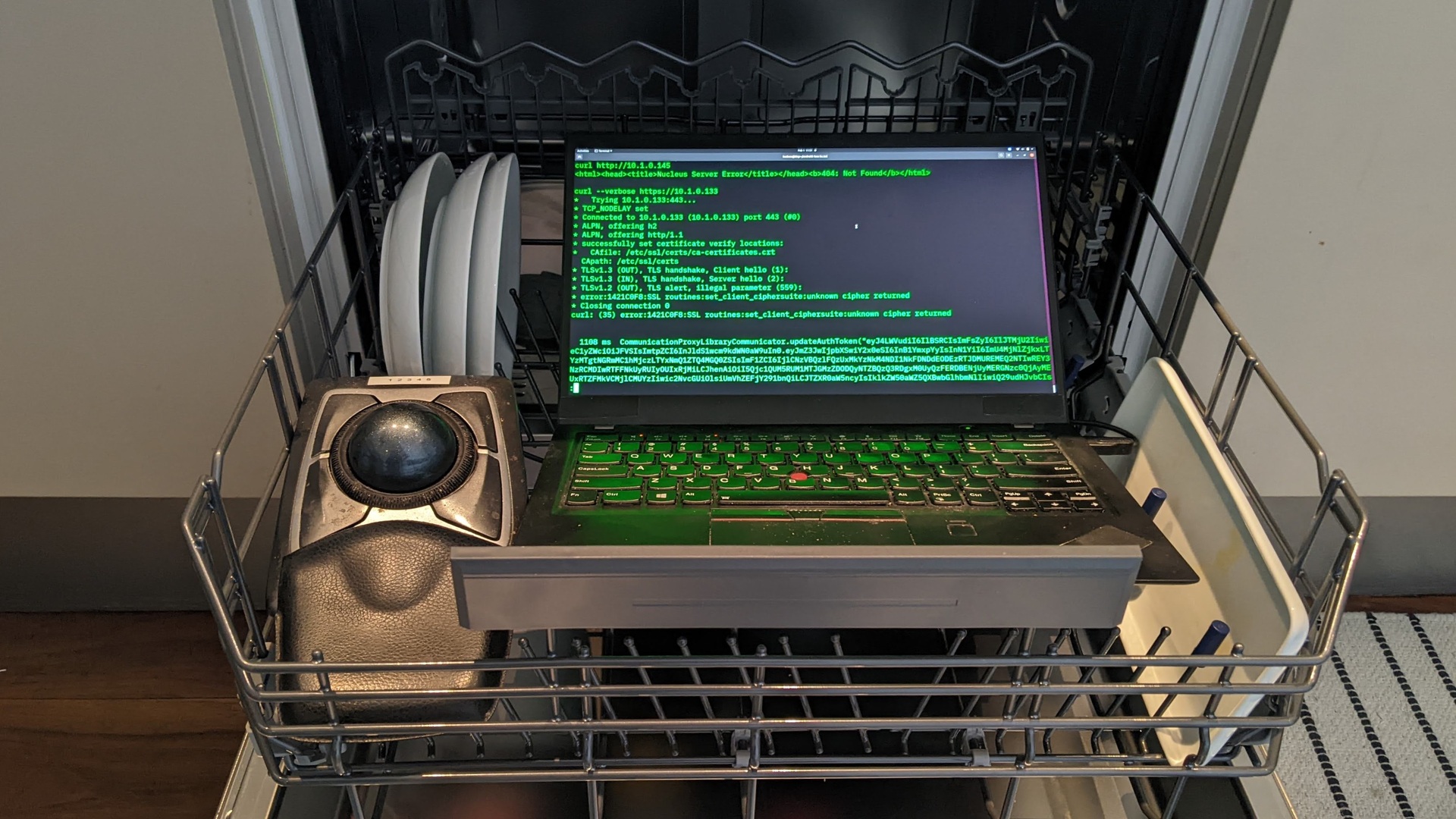
The dishwasher has a local HTTPS port open, although attempting to connect to
the HTTPS port with `curl` results in a cryptic protocol error
due to the non-standard cipher selection, `ECDHE-PSK-CHACHA20-POLY1305`.
PSK also requires that both sides agree on a symetric key,
so a special hacked version of `sslpsk` is used to establish the
connection and then hand control to the Python `websock-client`
library.
Example message published to `homeconnect/dishwasher`:
```json
{
"state": "Run",
"door": "Closed",
"remaining": "2:49",
"power": true,
"lowwaterpressure": false,
"aquastop": false,
"error": false,
"remainingseconds": 10140
}
```
Full state information
```json
{
'AllowBackendConnection': False,
'BackendConnected': False,
'RemoteControlLevel': 'ManualRemoteStart',
'SoftwareUpdateAvailable': 'Off',
'ConfirmPermanentRemoteStart': 'Off',
'ActiveProgram': 0,
'SelectedProgram': 8192,
'RemoteControlStartAllowed': False,
'520': '2022-02-21T16:48:54',
'RemoteControlActive': True,
'AquaStopOccured': 'Off',
'DoorState': 'Open',
'PowerState': 'Off',
'ProgramFinished': 'Off',
'ProgramProgress': 100,
'LowWaterPressure': 'Off',
'RemainingProgramTime': 0,
'ProgramAborted': 'Off',
'547': False,
'RemainingProgramTimeIsEstimated': True,
'OperationState': 'Inactive',
'StartInRelative': 0,
'EnergyForecast': 82,
'WaterForecast': 70,
'ConnectLocalWiFi': 'Off',
'SoftwareUpdateTransactionID': 0,
'SoftwareDownloadAvailable': 'Off',
'SoftwareUpdateSuccessful': 'Off',
'ProgramPhase': 'Drying',
'SilenceOnDemandRemainingTime': 0,
'EcoDryActive': False,
'RinseAid': 'R04',
'SensitivityTurbidity': 'Standard',
'ExtraDry': False,
'HotWater': 'ColdWater',
'TimeLight': 'On',
'EcoAsDefault': 'LastProgram',
'SoundLevelSignal': 'Off',
'SoundLevelKey': 'Medium',
'WaterHardness': 'H04',
'DryingAssistantAllPrograms': 'AllPrograms',
'SilenceOnDemandDefaultTime': 1800,
'SpeedOnDemand': False,
'InternalError': 'Off',
'CheckFilterSystem': 'Off',
'DrainingNotPossible': 'Off',
'DrainPumpBlocked': 'Off',
'WaterheaterCalcified': 'Off',
'LowVoltage': 'Off',
'SaltLack': 'Off',
'RinseAidLack': 'Off',
'SaltNearlyEmpty': 'Off',
'RinseAidNearlyEmpty': 'Off',
'MachineCareReminder': 'Off',
'5121': False,
'HalfLoad': False,
'IntensivZone': False,
'VarioSpeedPlus': False,
'5131': False,
'5134': True,
'SilenceOnDemand': False
}
```
### Clothes washer
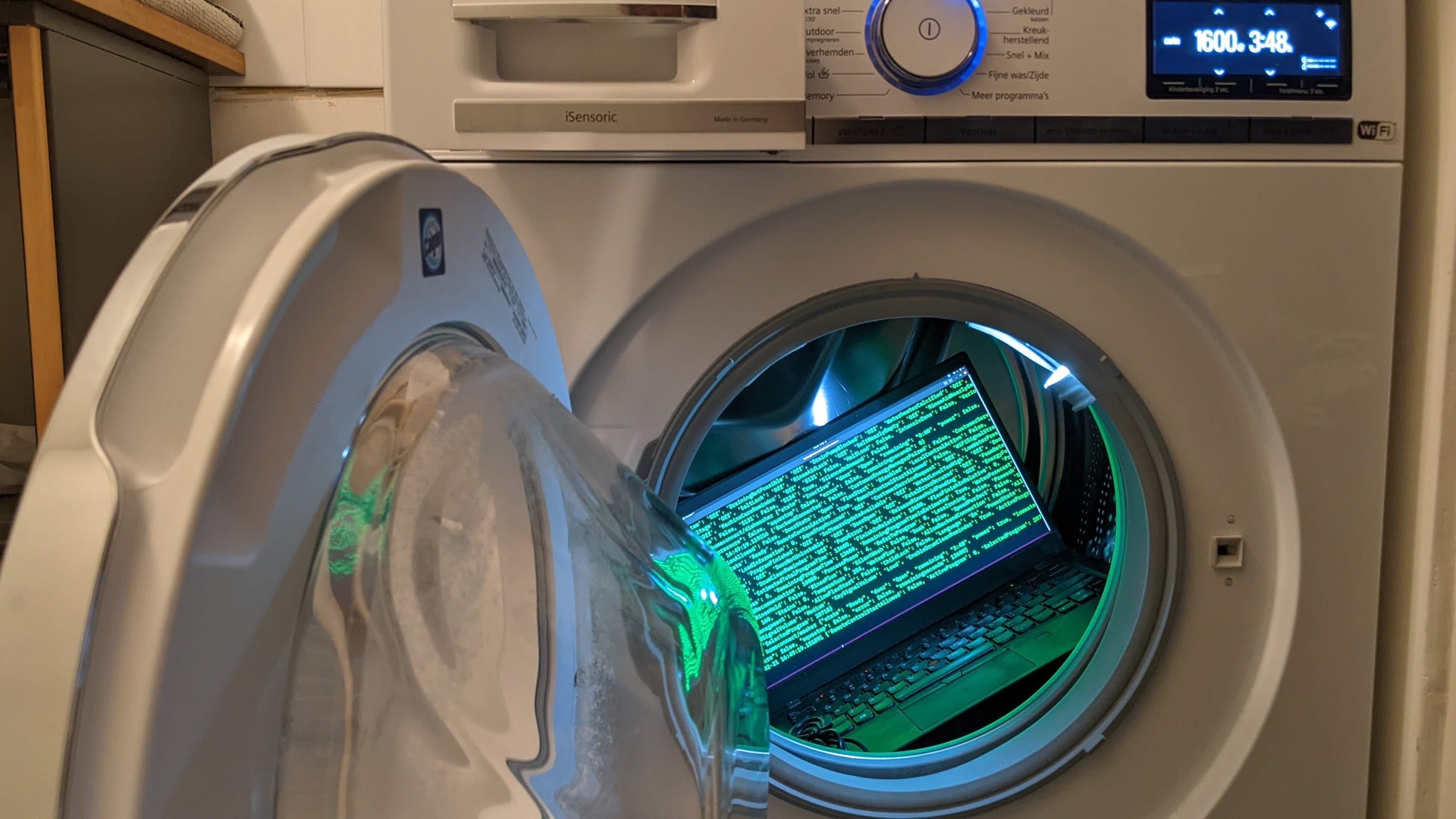
The clothes washer has a local HTTP port that also responds to websocket
traffic, although the contents of the frames are AES-CBC encrypted with a key
derived from `HMAC(PSK,"ENC")` and authenticated with SHA256-HMAC using another
key derived from `HMAC(PSK,"MAC")`. The encrypted messages are send as
binary data over the websocket (type 0x82).
Example message published to `homeconnect/washer`:
```json
{
"state": "Ready",
"door": "Closed",
"remaining": "3:48",
"power": true,
"lowwaterpressure": false,
"aquastop": false,
"error": false,
"remainingseconds": 13680
}
```
Full state information
```json
{
'BackendConnected': False,
'CustomerEnergyManagerPaired': False,
'CustomerServiceConnectionAllowed': False,
'DoorState': 'Open',
'FlexStart': 'Disabled',
'LocalControlActive': False,
'OperationState': 'Ready',
'RemoteControlActive': True,
'RemoteControlStartAllowed': False,
'WiFiSignalStrength': -50,
'LoadInformation': 0,
'AquaStopOccured': 'Off',
'CustomerServiceRequest': 'Off',
'LowWaterPressure': 'Off',
'ProgramFinished': 'Off',
'SoftwareUpdateAvailable': 'Off',
'WaterLevelTooHigh': 'Off',
'DoorNotLockable': 'Off',
'DoorNotUnlockable': 'Off',
'DoorOpen': 'Off',
'FatalErrorOccured': 'Off',
'FoamDetection': 'Off',
'DrumCleanReminder': 'Off',
'PumpError': 'Off',
'ReleaseRinseHoldPending': 'Off',
'EnergyForecast': 20,
'EstimatedTotalProgramTime': 13680,
'FinishInRelative': 13680,
'FlexFinishInRelative': 0,
'ProgramProgress': 0,
'RemainingProgramTime': 13680,
'RemainingProgramTimeIsEstimated': True,
'WaterForecast': 40,
'LoadRecommendation': 10000,
'ProcessPhase': 4,
'ReferToProgram': 0,
'LessIroning': False,
'Prewash': False,
'RinseHold': False,
'RinsePlus': 0,
'SilentWash': False,
'Soak': False,
'SpeedPerfect': False,
'SpinSpeed': 160,
'Stains': 0,
'Temperature': 254,
'WaterPlus': False,
'AllowBackendConnection': False,
'AllowEnergyManagement': False,
'AllowFlexStart': False,
'ChildLock': False,
'Language': 'En',
'PowerState': 'On',
'EndSignalVolume': 'Medium',
'KeySignalVolume': 'Loud',
'EnableDrumCleanReminder': True,
'ActiveProgram': 0,
'SelectedProgram': 28718
}
```
### Coffee Machine
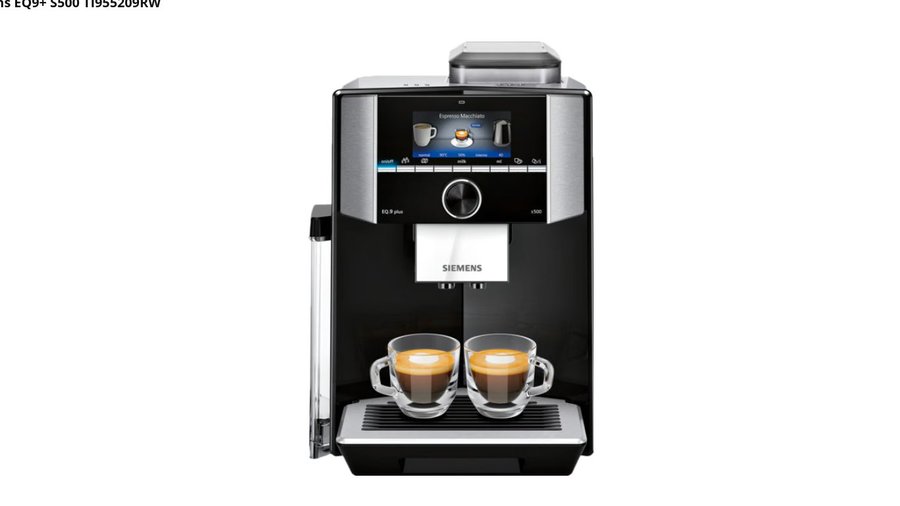
Example message published to `homeconnect/coffeemaker`:
Full state information
```json
{
'LastSelectedBeverage': 8217,
'LocalControlActive': False,
'PowerSupplyError': 'Off',
'DripTrayNotInserted': 'Off',
'DripTrayFull': 'Off',
'WaterFilterShouldBeChanged': 'Off',
'WaterTankEmpty': 'Off',
'WaterTankNearlyEmpty': 'Off',
'BrewingUnitIsMissing': 'Off',
'SelectedProgram': 0,
'MacchiatoPause': '5Sec',
'ActiveProgram': 0,
'BeverageCountdownWaterfilter': 48,
'BeverageCountdownCalcNClean': 153,
'RemoteControlStartAllowed': True,
'EmptyDripTray': 'Off',
'BeverageCountdownDescaling': 153,
'EmptyDripTrayRemoveContainer': 'Off',
'BeverageCounterRistrettoEspresso': 177,
'AllowBackendConnection': True,
'BeverageCounterHotWater': 37351,
'RemindForMilkAfter': 'Off',
'BeverageCounterFrothyMilk': 22,
'BeverageCounterCoffeeAndMilk': 1077,
'CustomerServiceRequest': 'Off',
'4645': 0,
'CoffeeMilkOrder': 'FirstCoffee',
'BackendConnected': True,
'BeverageCounterCoffee': 21,
'Enjoy': 'Off',
'UserMode': 'Barista',
'PlaceEmptyGlassUnderOutlet': 'Off',
'WaterTankNotInserted': 'Off',
'PlaylistRunning': False,
'BeverageCounterPowderCoffee': 9,
'DemoModeActive': False,
'CleanBrewingUnit': 'Off',
'WaterHardness': 'Medium',
'CloseDoor': 'Off',
'EmptyMilkTank': 'Off',
'SpecialRinsing': 'Off',
'AllowConsumerInsights': False,
'SwitchOffAfter': '01Hours15Minutes',
'4681': 0,
'LastSelectedCoffeeWorldBeverage': 20514,
'BrightnessDisplay': 7,
'CleanMilkTank': 'Off',
'NotEnoughWaterForThisKindOfBeverage': 'Off',
'ChildLock': False,
'4666': 0,
'Language': 'De',
'MilkContainerConnected': 'Off',
'SoftwareUpdateAvailable': 'Off',
'LeaveProfilesAutomatically': True,
'RemoveWaterFilter': 'Off',
'OperationState': 'Inactive',
'BeverageCounterHotMilk': 9,
'4362': 0,
'MilkTubeRemoved': 'Off',
'DeviceIsToCold4C': 'Off',
'SystemHasRunDry': 'Off',
'DeviceShouldBeDescaled': 'Off',
'PowerState': 'Standby',
'DeviceShouldBeCleaned': 'Off',
'DeviceShouldBeCalcNCleaned': 'Off',
'BeanContainerEmpty': 'Off',
'MilkStillOK': 'Off',
'CoffeeOutletMissing': 'Off',
'MilkReminder': 'Off',
'RefillEmptyWaterTank': 'Off',
'RefillEmptyBeanContainer': 'Off',
'UnderOverVoltage': 'Off',
'NotEnoughPomaceCapacityForThisKindOfBeverage': 'Off',
'AdjustGrindSetting': 'Off',
'InsertWaterFilter': 'Off',
'FillDescaler': 'Off',
'CleanFillWaterTank': 'Off',
'PlaceContainerUnderOutlet': 'Off',
'SwitchOffPower30sekBackOn': 'Off',
'ThrowCleaningDiscInTheDrawer': 'Off',
'RemoveMilkContainer': 'Off',
'RemoveContainerUnderOutlet': 'Off',
'MilkContainerRemoved': 'Off',
'ServiceProgramFinished': 'Off',
'DeviceDescalingOverdue': 'Off',
'DeviceDescalingBlockage': 'Off',
'CustomerServiceConnectionAllowed': False,
'BeverageCountdownCleaning': 38,
'ProcessPhase': 'None'
}
```
## Posting to the appliance
Whereas the reading of the status is very beta, this is very very alpha. There is some basic error handling, but don't expect that everything will work.
In your config file you can find items that contain `readWrite` or `writeOnly`, some of them contain values so you know what to provide, ie:
```json
"539": {
"name": "BSH.Common.Setting.PowerState",
"access": "readWrite",
"available": "true",
"refCID": "03",
"refDID": "80",
"values": {
"2": "On",
"3": "Standby"
}
},
```
With this information you can build the JSON object you can send over mqtt to change the power state
Topic: `homeconnect/[devicename]/set`, ie `homeconnect/coffeemaker/set`
Payload:
```json
{"uid":539,"value":2}
```
As for now, the results will be displayed by the script only, there is no response to an mqtt topic.
There are properties that do not require predefined values, debugging is required to see what is needed. Here are some of those values found through debugging:
Set the time:
```json
{"uid":520,"value":"2023-07-07T15:01:21"}
```
Synchronize with time server, `false` is disabled
```json
{"uid":547,"value":false}
```
### Starting a Program
The MQTT client listens on /{prefix}/{devicename}/activeProgram for a JSON message to start a program. The JSON should be in the following format:
```json
{"program":{uid},"options":[{"uid":{uid},"value":{value}}]}
```
To start a dishwasher on eco mode (`Dishcare.Dishwasher.Program.Eco50`):
```json
{"program":8196}
```
To start a dishwasher on eco mode in 10 miuntes (`BSH.Common.Option.StartInRelative`):
```json
{"program":8196,"options":[{"uid":558,"value":600}]}
```
## Notes
- Sometimes when the device is off, there is the error `ERROR [ip] [Errno 113] No route to host`
- There is a lot more information available, like the status of a program that is currently active. This needs to be integrated if possible. For now only the values that relate to the `config.json` are published
## Home Assistant autodiscovery
It's possible to allow Home Assistant to automatically discover the device using
MQTT auto-discovery messages. With `ha_discovery = True` in `config.ini` or by
passing `--ha-discovery` on the commandline, `hcpy` will publish
[HA discovery messages](https://www.home-assistant.io/integrations/mqtt/#mqtt-discovery)
for each recognised property of your devices.
### Limitations
Discovery messages currently only contain a `state` topic, not a `command` topic,
so autodiscovered devices will be read-only. You can still use the method
described in `Posting to the appliance` above.
### Customising the discovery messages
`hcpy` will make some attempt to use the correct [component](https://www.home-assistant.io/integrations/mqtt/#configuration)
and for some devices set an appropriate [device class](https://www.home-assistant.io/integrations/binary_sensor/#device-class).
You can customise these by editing your `devices.json` to add or edit the
`discovery` section for each feature. For example:
```json
[
{ // ...
"features": {
// ...
"549": {
"name": "BSH.Common.Option.RemainingProgramTimeIsEstimated",
"discovery": {
"component_type": "binary_sensor",
"payload_values": {
"payload_on": true,
"payload_off": false
}
}
}
}
}
]
```
You may include arbitrary `payload_values` that are included in the MQTT discovery
messages published when `hcpy` starts. Default values are set in `HADiscovery.py`
for known devices/attributes. No validation is performed against these values.